
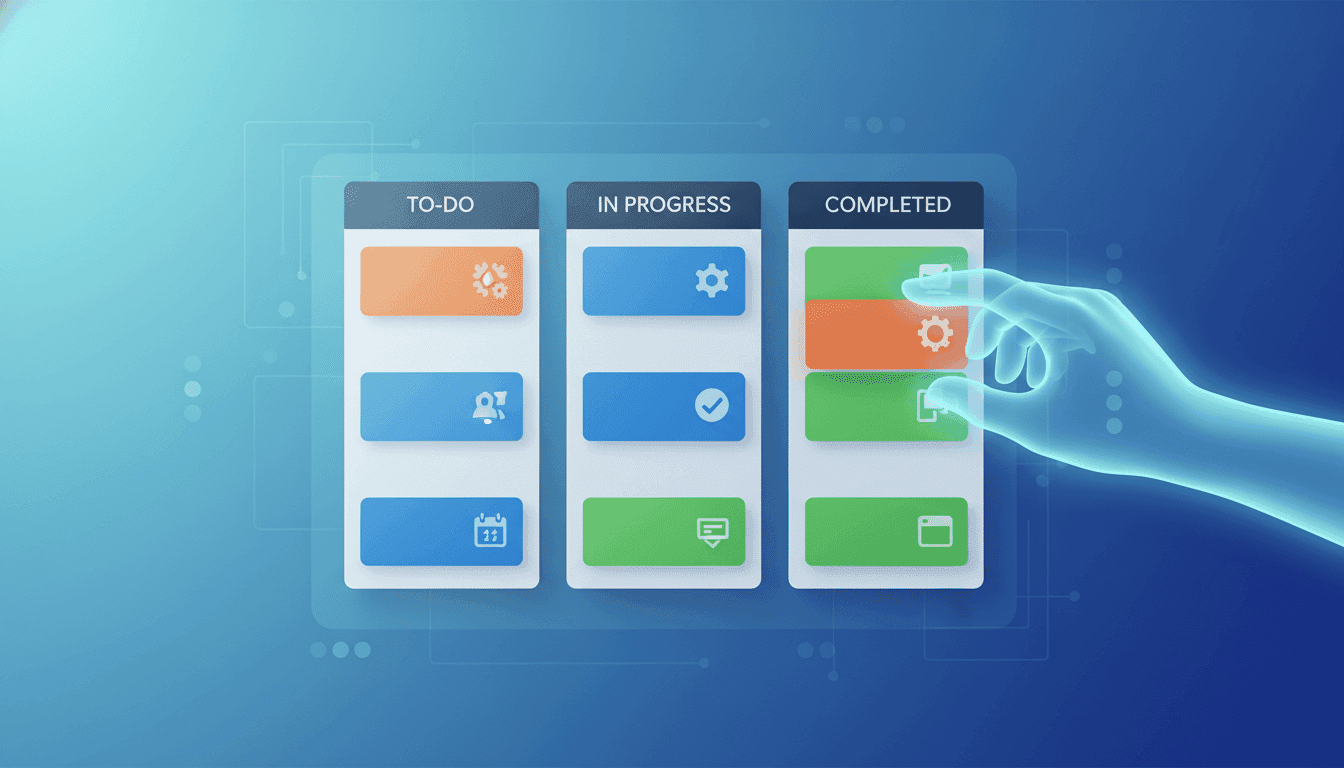
Powered by
Trello Essentials: Project Management Made Simple
Learn to use Trello for effective task planning and project management in this beginner-friendly introduction.
Course Cost
Free course
Beginner
Skill Level
1 Week
Self-paced lessons
Discover the power of Trello in this concise, practical course designed for beginners and professionals alike. Learn how to organize your to-do lists, collaborate effectively in remote settings, and streamline your project management skills. This course covers everything from setting up your Trello account to creating project data sheet boards and developing efficient list categorization methods. You'll gain insights into key project management concepts like agile and waterfall methodologies, stakeholder management, and project vision. By the end of this course, you'll have a fully populated project datasheet Trello board and the skills to apply Trello to your work, home, and school tasks. Whether you're aspiring to a career in project management or looking to enhance your current work efficiency, this course provides the perfect starting point for mastering Trello.
English
What you'll learn
Create and set up a personal Trello account
Design and establish a project data sheet board in Trello
Develop effective lists to categorize project information
Understand key project management terms such as agile, waterfall, and stakeholders
Apply project vision concepts to Trello boards
Create a fully populated project datasheet Trello board
Utilize Trello for organizing work, home, and school tasks
Enhance remote collaboration skills using Trello features
Skills you'll gain
This course includes:
PreRecorded video
Access on Mobile, Tablet, Desktop
Limited Access access
Closed caption
Top companies offer this course to their employees
Top companies provide this course to enhance their employees' skills, ensuring they excel in handling complex projects and drive organizational success.




Module Description
This course offers a comprehensive introduction to Trello, a popular task planning and project management tool. Participants will learn how to set up a Trello account, create and organize boards, and use lists to categorize project information effectively. The course covers fundamental project management concepts, including agile and waterfall methodologies, stakeholder management, and project vision. Students will gain hands-on experience in creating a project data sheet board and populating it with relevant information. By the end of the course, learners will have a practical understanding of how to use Trello for various tasks in work, home, and school settings, enhancing their organizational and collaborative skills.
Fee Structure
Reviews
Testimonials and success stories are a testament to the quality of this program and its impact on your career and learning journey. Be the first to help others make an informed decision by sharing your review of the course.
Faculties
These are the expert instructors who will be teaching you throughout the course. With a wealth of knowledge and real-world experience, they're here to guide, inspire, and support you every step of the way. Get to know the people who will help you reach your learning goals and make the most of your journey.

18
Courses
Frequently asked Questions
Below are some of the most commonly asked questions about this course. We aim to provide clear and concise answers to help you better understand the course content, structure, and any other relevant information. If you have any additional questions or if your question is not listed here, please don't hesitate to reach out to our support team for further assistance.